
Tours across Pakistan
Travel your way.
Compare trips from registered tour companies, pick the operator and the price that suit you, and book the whole thing from your phone.
- Registered companies only
- 30% to book, the rest on the trip
- Full refund 48 hours out

What you get
Everything a trip needs, in one app
Browsing, booking, paying, asking questions and cancelling all happen in the same place — with the company that actually runs your tour.
Browse real tours
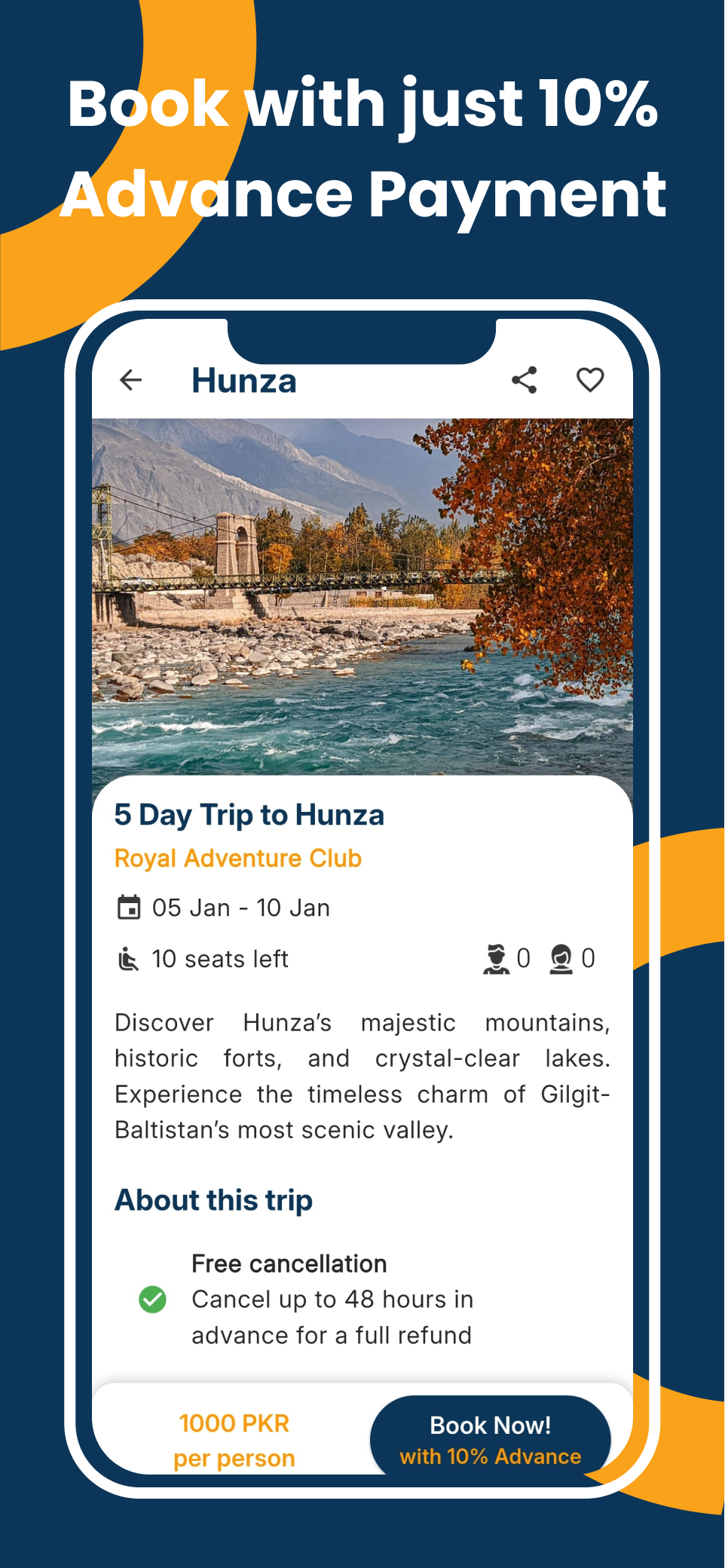
Every tour on Traveloup is listed by a company we have registered and approved. Dates, price, what is included and where it goes — all up front.
Ask for a custom trip
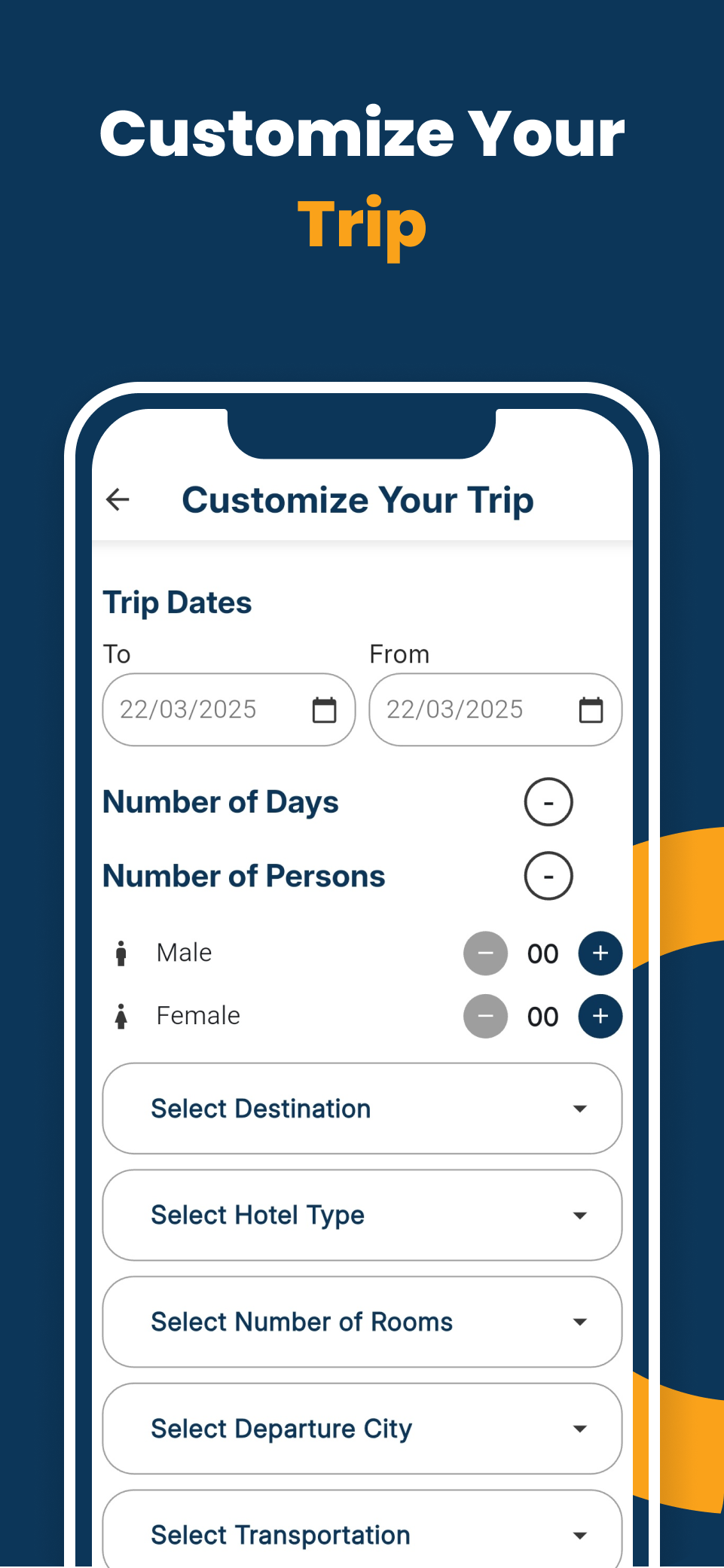
Nothing quite right? Post the trip you want with your budget and let companies come back to you with an offer. Accept the one you like.
Book with 30%
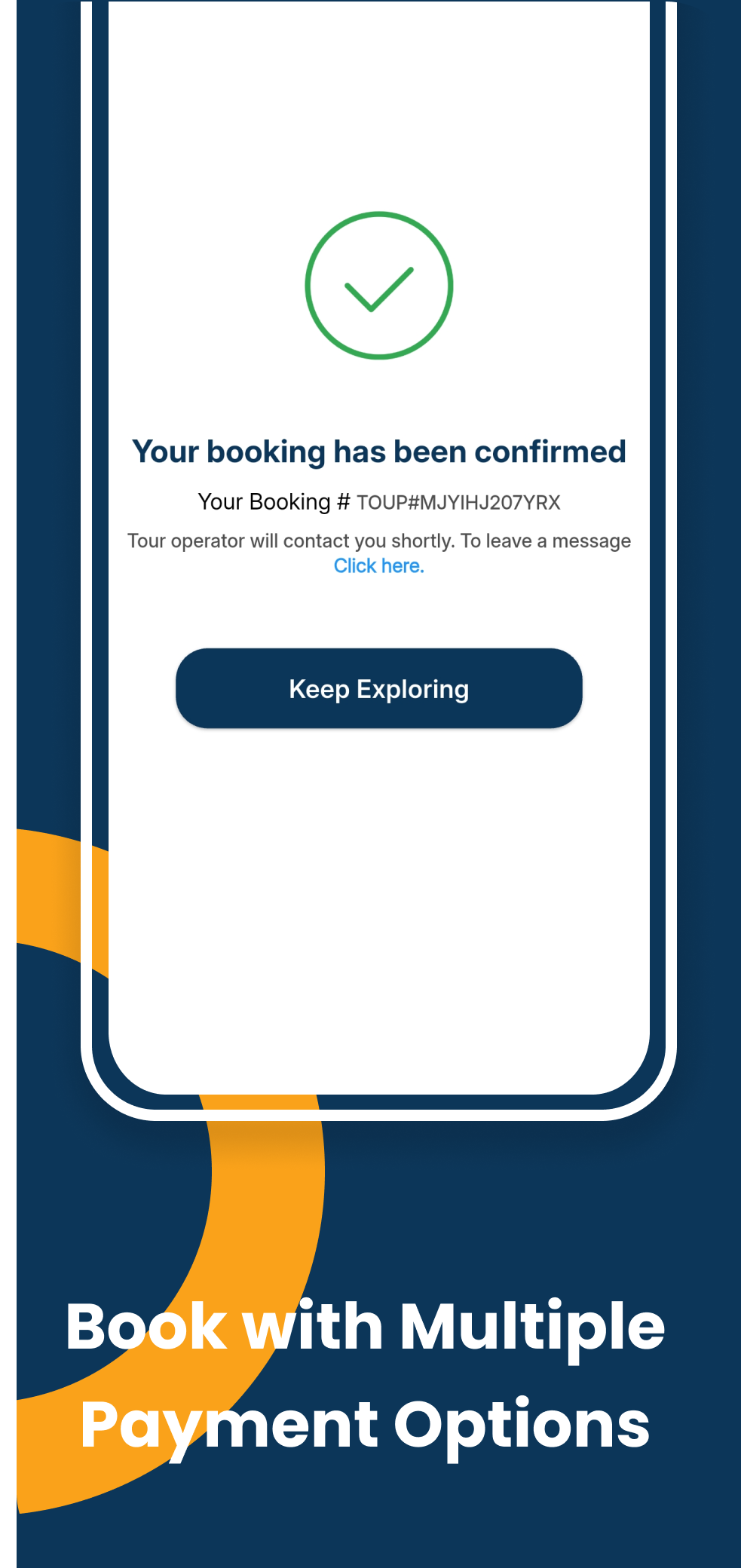
Pay a 30% advance online to confirm your seats. The remaining 70% goes to the tour company in cash, on or before departure.
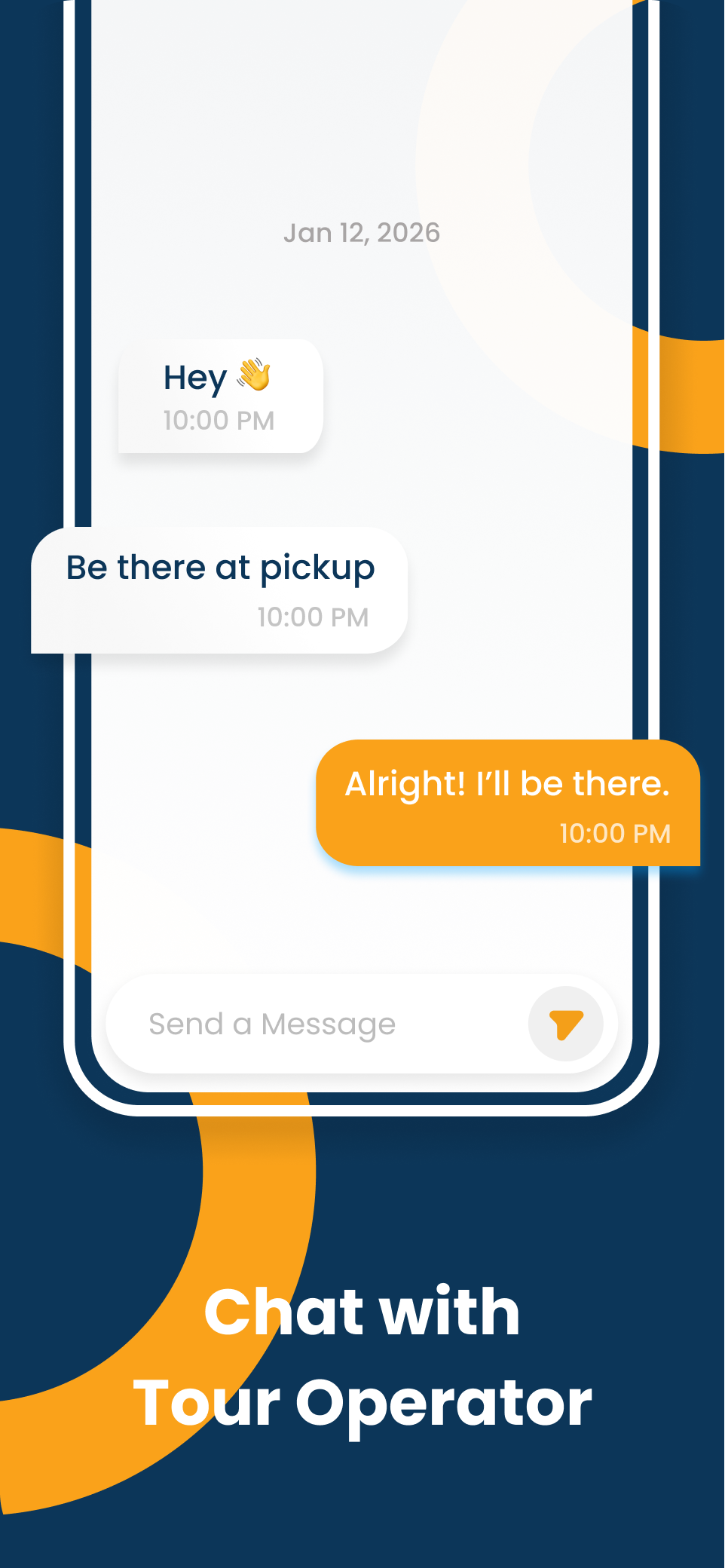
Talk to the company
Chat with the operator inside the app before and after you book, so the answers stay attached to the booking they belong to.
Save and compare
Keep the trips you are weighing up in one list, and come back to them when your dates firm up.
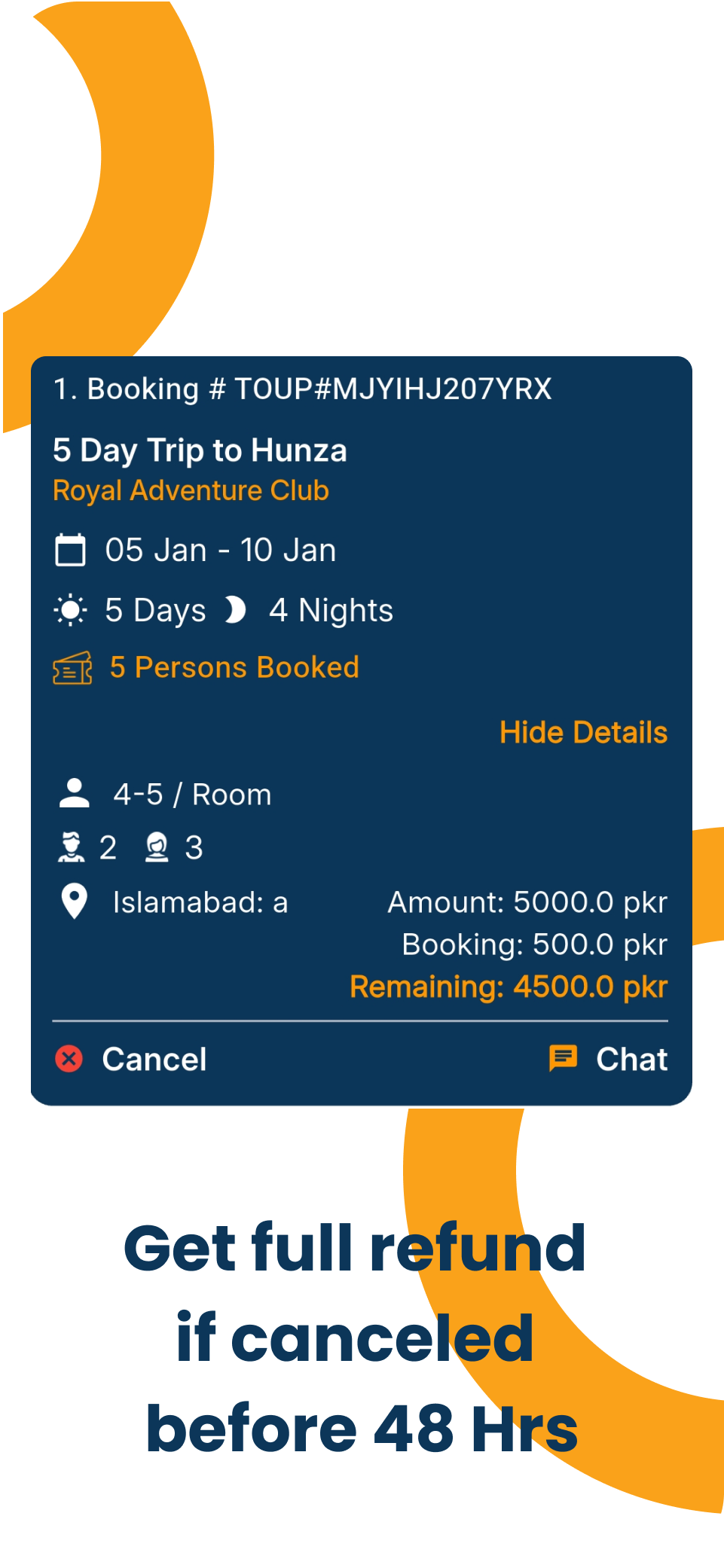
Cancel 48 hours out
Cancel at least two days before departure and the advance you paid online comes back in full, to the account you give us.
How it works
Three steps from browsing to boarding
Find the trip
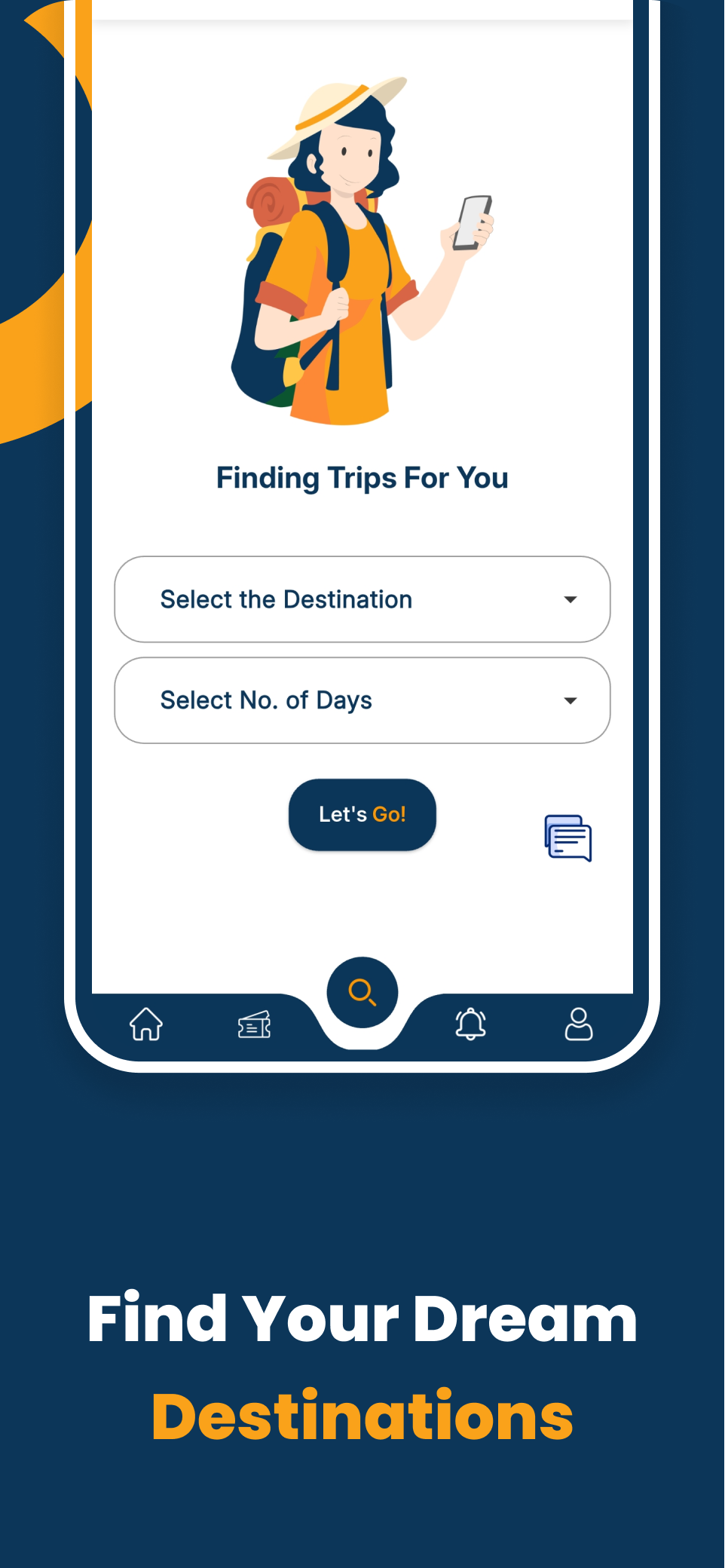
Search by destination or date, open a tour to see the itinerary, the price per person and the company running it — or post a custom trip and let companies bid.
Pay 30% to confirm
Your seats are held once the online advance goes through. The booking, the schedule and the company's contact details land in your dashboard.
Travel, and settle up
Pay the remaining 70% to the company in cash on or before departure. Change of plan? Cancel more than 48 hours out and the advance is refunded.
The app
Built for the way people actually book
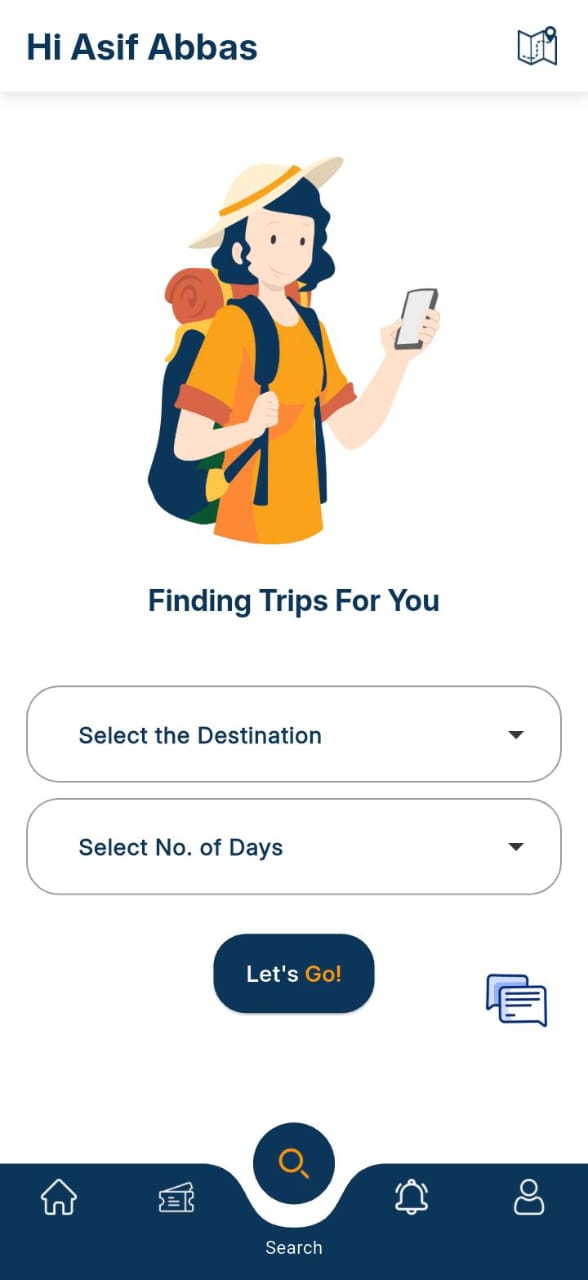
Tours, custom trips, bookings, chat and refunds — the whole journey on one screen at a time.


Swipe to see more
For travellers
You always know who you are booking with
- Only registered companies can list a tour — every one is reviewed and approved before it appears.
- The price you see is the company's price. Traveloup does not charge travellers a booking fee.
- Reviews and ratings come from people who actually took the trip.
For tour companies
List your tours, fill your seats
- Publish tours with dates, pricing, inclusions and pickup points, and update them any time.
- Answer custom trip requests with your own offer, and win work you would never have been asked for.
- Track bookings, chats and earnings from the company dashboard inside the app.
FAQs
Questions people ask first
How do I book a tour on Traveloup?
What do I pay, and when?
Can I cancel and get my money back?
Can I register my company to offer tours?
Is there any fee for customers to book a tour?
Get the app
Traveloup is on Android
Browse tours, book with a 30% advance, chat with the company and manage every trip from one place.

Contact us
Talk to a person
Questions about a booking, a refund, or listing your company? Reach us directly — we answer during business hours.